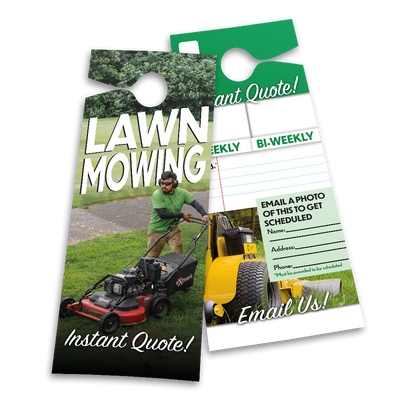
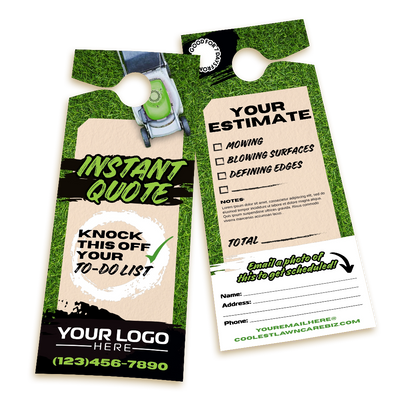
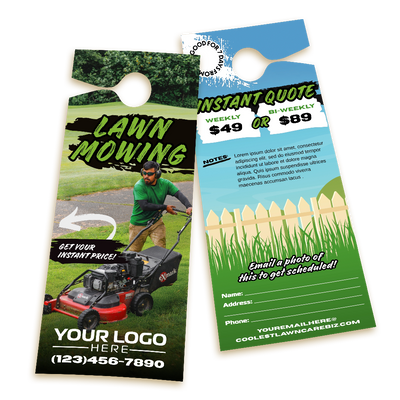
Mowing Instant Quote 4
A lead you have to chase is a lead you're about to lose to whoever calls back first.
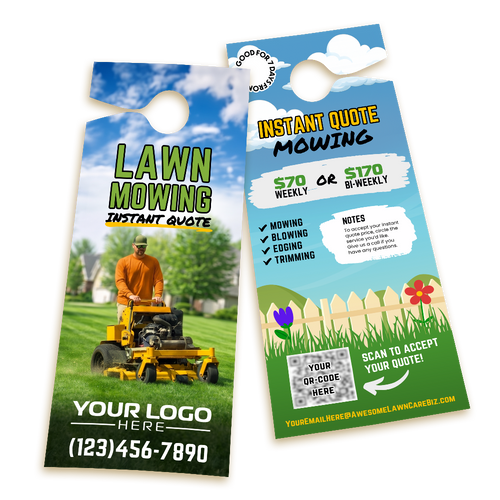
Write the price on the spot instead of promising to follow up later. The homeowner scans a QR code or writes their info by hand, snaps a photo, and emails it to you, so the quote's already in their hand before they've had a chance to call anyone else.
This is a fully editable Canva template. Open it, drop in your business info, and it's ready to print in minutes.
Lawn care owners already use this exact template library to leave every customer with a quote in hand instead of chasing down leads after the fact.
- QR Code Back Option
- Handwritten Back Option
Better deal
Get every template we sell, including this one, for $499 total. Less than $7 each.
What's included
- Editable Canva template
- Pre-sized for VistaPrint
- Ready to print in minutes
How to edit in Canva

Click your Canva link
Your purchase confirmation email has a direct link to the template in Canva. Click it and the template opens immediately.

Swap your logo, number, and colors
Replace the placeholder text and logo with your own. Change the colors to match your brand. Takes under 20 minutes.
Download and send to your printer
Export as a PDF from Canva and send the file to any printer. Most operators have their order placed the same day they buy.